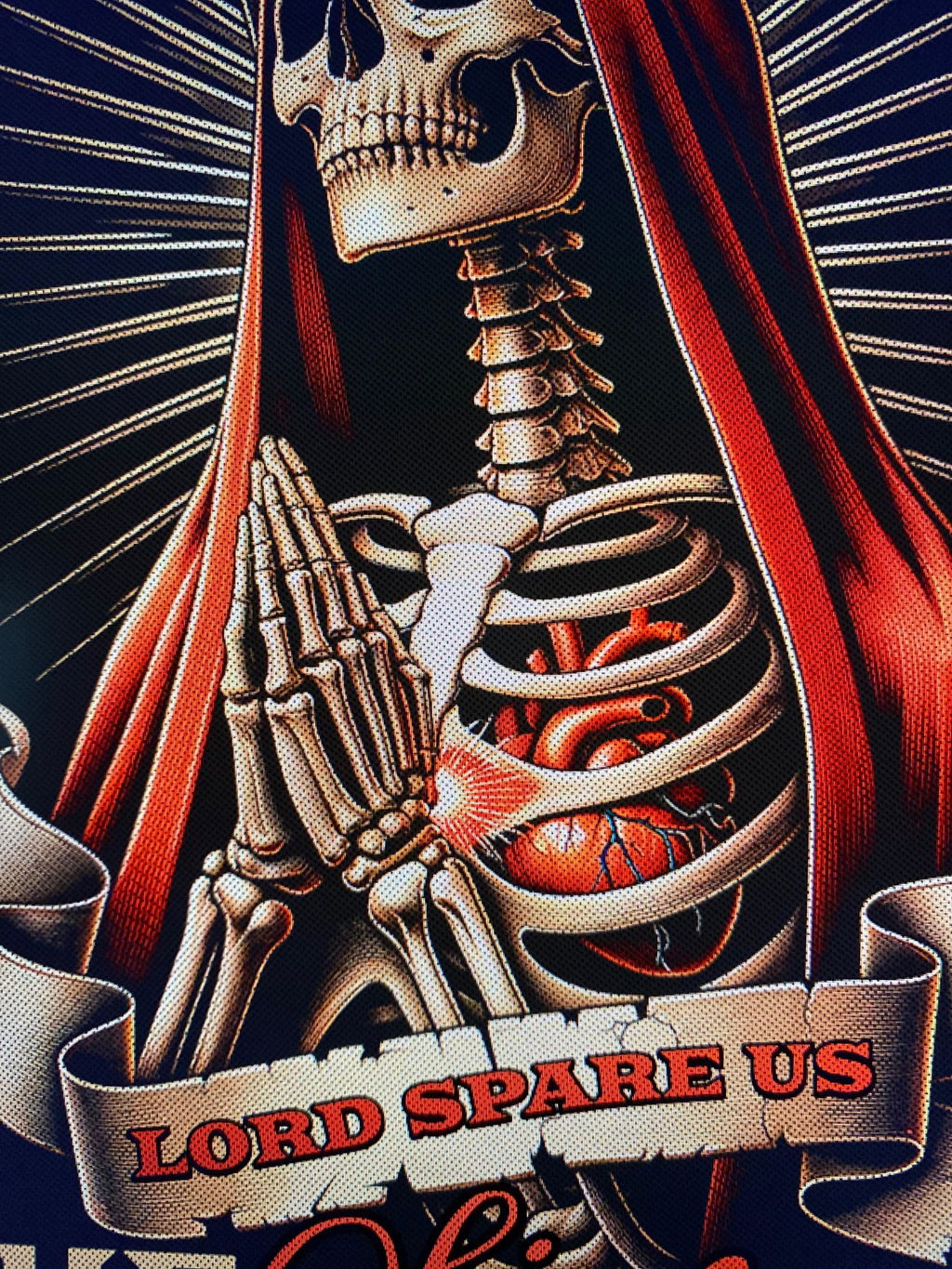
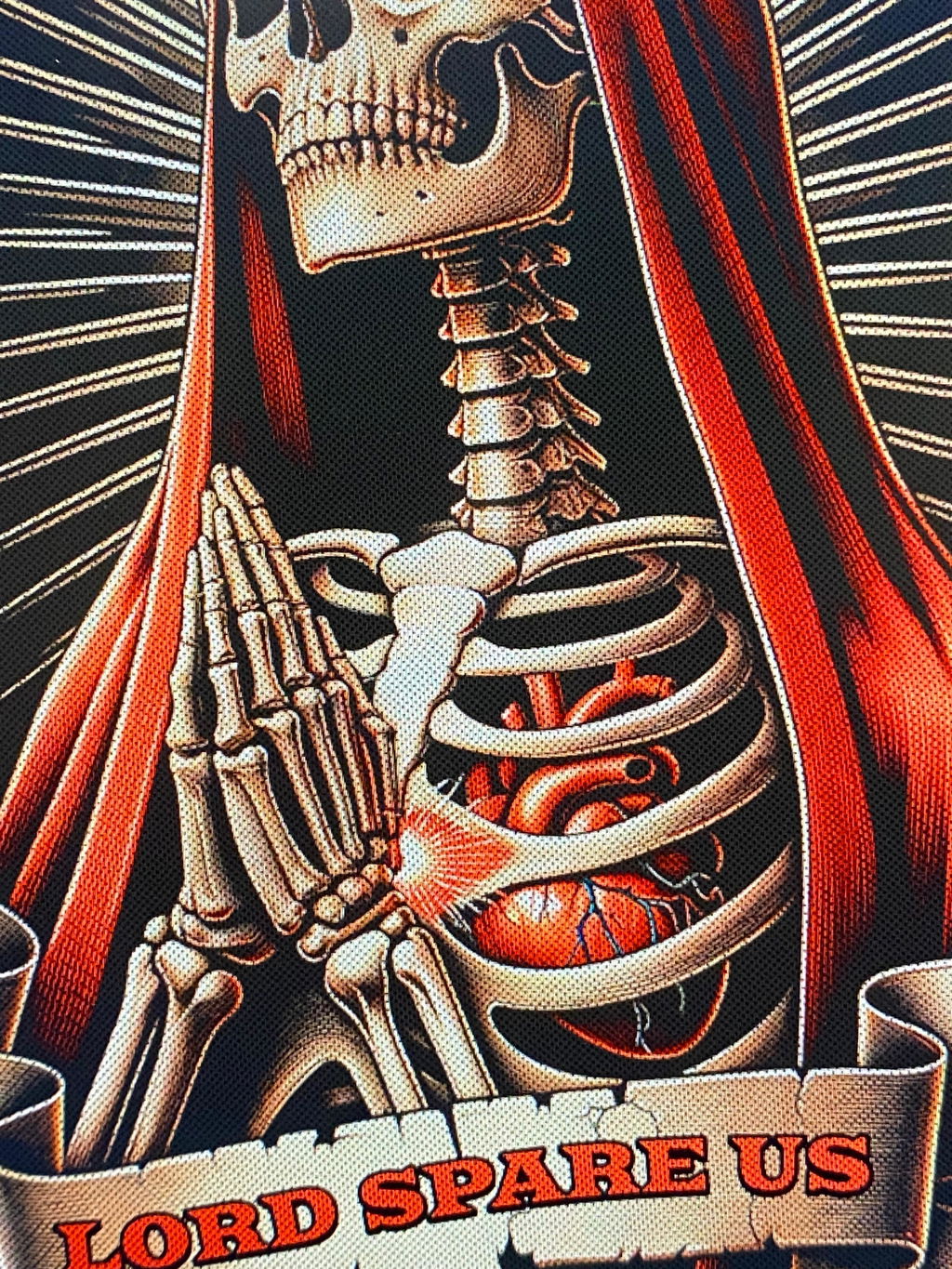
Texture Pack for Printing
This set is made to add texture, variation, and a more finished look to designs used in DTF and screen printing.
Flat artwork often prints too clean and solid. Adding texture helps break that up, making the design feel softer and more natural on the garment. It also helps reduce the harsh look that can come from large, solid areas.
The pack includes overlays that are applied directly on top of the artwork, changing how the design looks and how it comes out in print. Instead of reworking the entire design, textures are used to enhance what’s already there. Even a small amount of texture can make a noticeable difference in how the final print looks and feels.
What’s Included
Inside the pack, you get a mix of overlays that cover different use cases across print design, all delivered in PNG format and compatible with any design software.
That includes distress textures for worn edges and rough detail, grunge textures for breaking up clean surfaces, and halftone overlays for reducing solid fills. There are also line-based patterns, like linetone, for a different visual effect. These elements can be layered, combined, or adjusted depending on how strong or subtle you want the texture to be.
Each type serves a specific purpose, whether it’s softening a print, adding variation, or giving the design a more vintage feel. Having multiple options makes it easier to match the texture to the style of the artwork.
How It’s Used
All textures are used as overlays on top of your design. They can be scaled, positioned, and blended to match the layout you’re working with.
For DTF, overlays are often used to reduce heavy ink areas and improve how the print feels on the garment. This helps avoid thick prints and creates a more balanced result. If you want a deeper understanding of how to apply these techniques in real workflows, our DTF artwork course walks you through it step by step.
For screen printing, they help achieve a worn or broken-in look without changing the structure of the design itself. This keeps the design intact while adjusting the final appearance.
Different halftone textures and pattern-based overlays can also be used to control how solid areas print, especially on larger graphics where flat color would otherwise dominate.
Final Print Results
Adding texture directly affects how the print looks and feels once it’s produced.
Solid areas become less heavy, prints feel softer, and the design gains more depth instead of looking flat. The overall result feels more natural and less rigid. It also removes that overly clean digital finish and replaces it with something that feels more like a finished print.
This is especially noticeable on bold designs, large fills, and artwork that relies on strong contrast. Texture helps balance those areas and makes the final result more consistent.
Get Your Texture Pack
The texture pack for printing from Printer Growth is ready to use and can be applied directly in your design software.
After checkout, you’ll instantly receive 50 texture files by email, ready to drop into your designs and start using right away.
All files are organized and easy to work with, so you can quickly apply textures and adjust them to match your style. This makes it easy to integrate into your current workflow without slowing things down.
Add texture to your designs and see the difference in your prints!